 Radarr
 Sonarr
 Prowlarr
 Bazarr
 Deluge
 qBittorrent
 TMDB
TMDB Lidarr
Browse libraries
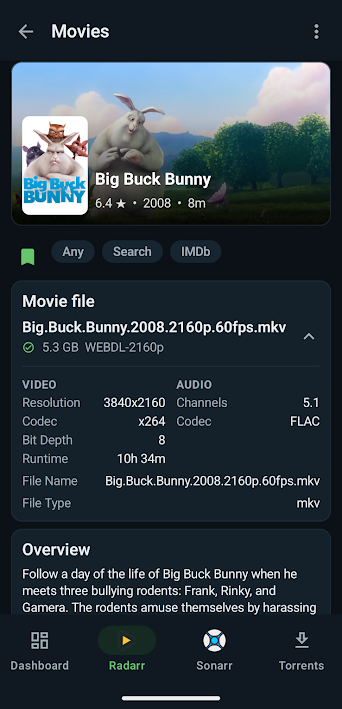
Review movies, series, seasons, episodes, and availability from configured Servarr services.
local stack status: operator controlled
Servarr Companion is a compact Android control surface for self-hosted media services. Configure your own endpoints, inspect library state, monitor downloads, and perform routine media-admin actions without opening a browser.
Servarr Companion is built around user-configured connections to services already running in your environment.
Connect, inspect, and manage routine media-admin workflows from Android.
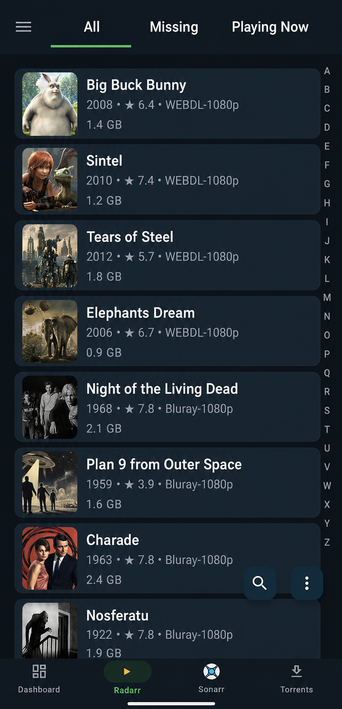
Review movies, series, seasons, episodes, and availability from configured Servarr services.
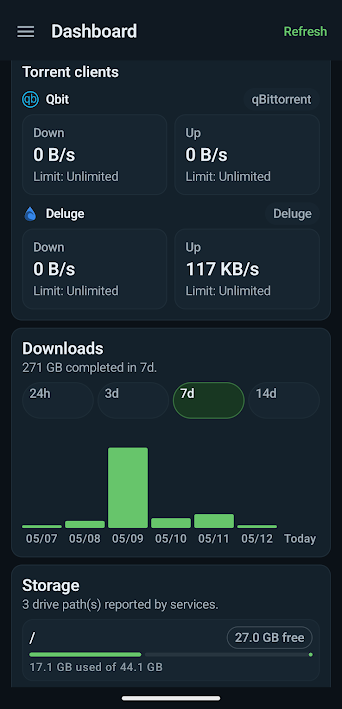
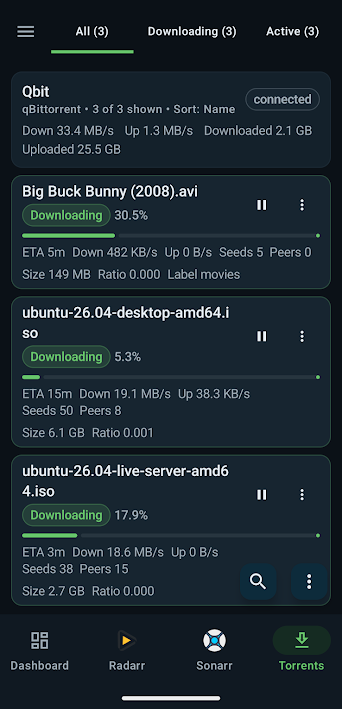
View and manage configured Deluge and qBittorrent clients from the app.
Add and edit service connections for the media tools running in your homelab.
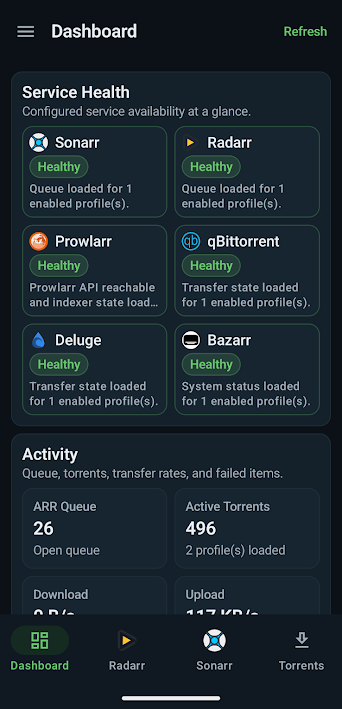
Connect Prowlarr and Bazarr where available to review status and supported actions.
Browse public title metadata before sending supported items into your configured library manager.
Designed for quick checks and routine management from an Android device.
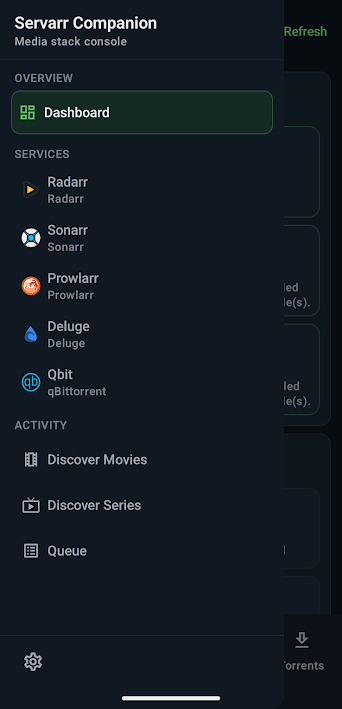
A quick look at the Android app.
Servarr Companion is built for people who already run their own stack: no artificial tiers, no ads, and no cloud account just to reach your own services.
After purchase, supported app features are included. Custom headers, multiple profiles, torrent workflows, and service integrations are not locked behind extra subscriptions.
No advertising SDKs, no analytics SDKs, no telemetry, and no developer-hosted cloud account requirement.
Add per-server HTTP headers for reverse proxies, Cloudflare Access-style gates, and other self-hosted access-control setups.
Server URLs, API keys, and client credentials stay on your device using local app storage and Android encrypted storage where supported.
Use local network addresses, VPN-only endpoints, or HTTPS reverse-proxied services depending on how your homelab is exposed.
Open .torrent files through Android’s picker/open-with flow without broad storage permissions.
Servarr Companion connects only to services you configure. Service URLs, API keys, library metadata, and settings remain under the control of the device and infrastructure operator.
This public website does not include analytics or advertising scripts.
Connections use credentials configured by the operator for their own services.
Use HTTPS, VPNs, strong credentials, and least-privilege API keys for exposed services.
Servarr Companion is not affiliated with Google, Sonarr, Radarr, Prowlarr, Bazarr, Servarr, Deluge, qBittorrent, TMDB, Plex, Jellyfin, or any other referenced project or company. Names are used only to describe compatibility with user-configured services.